Make a playful couple rap video
Choose one portrait of each consenting adult partner and a small shared theme. Stable framing helps both people stay recognizable.
Watch the matching example
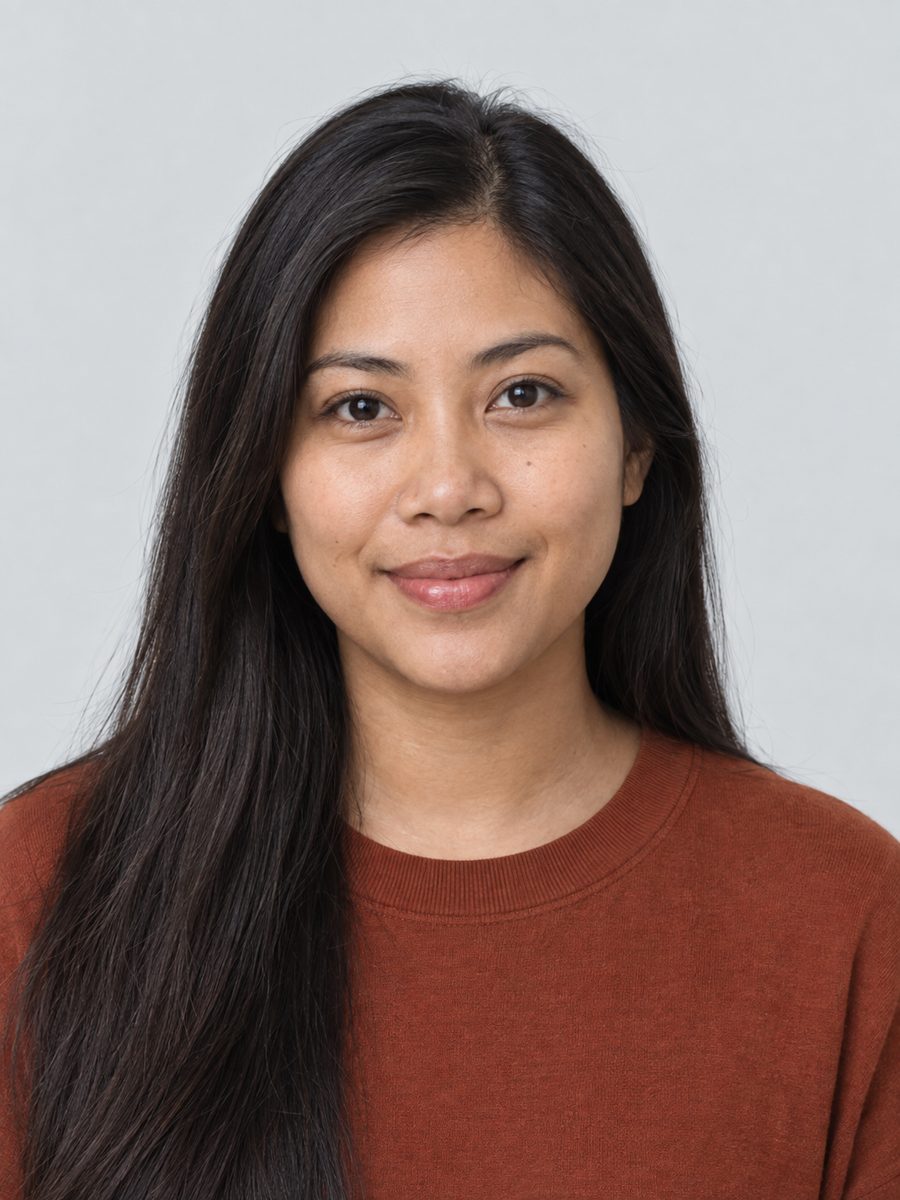 Photo 1 · Left
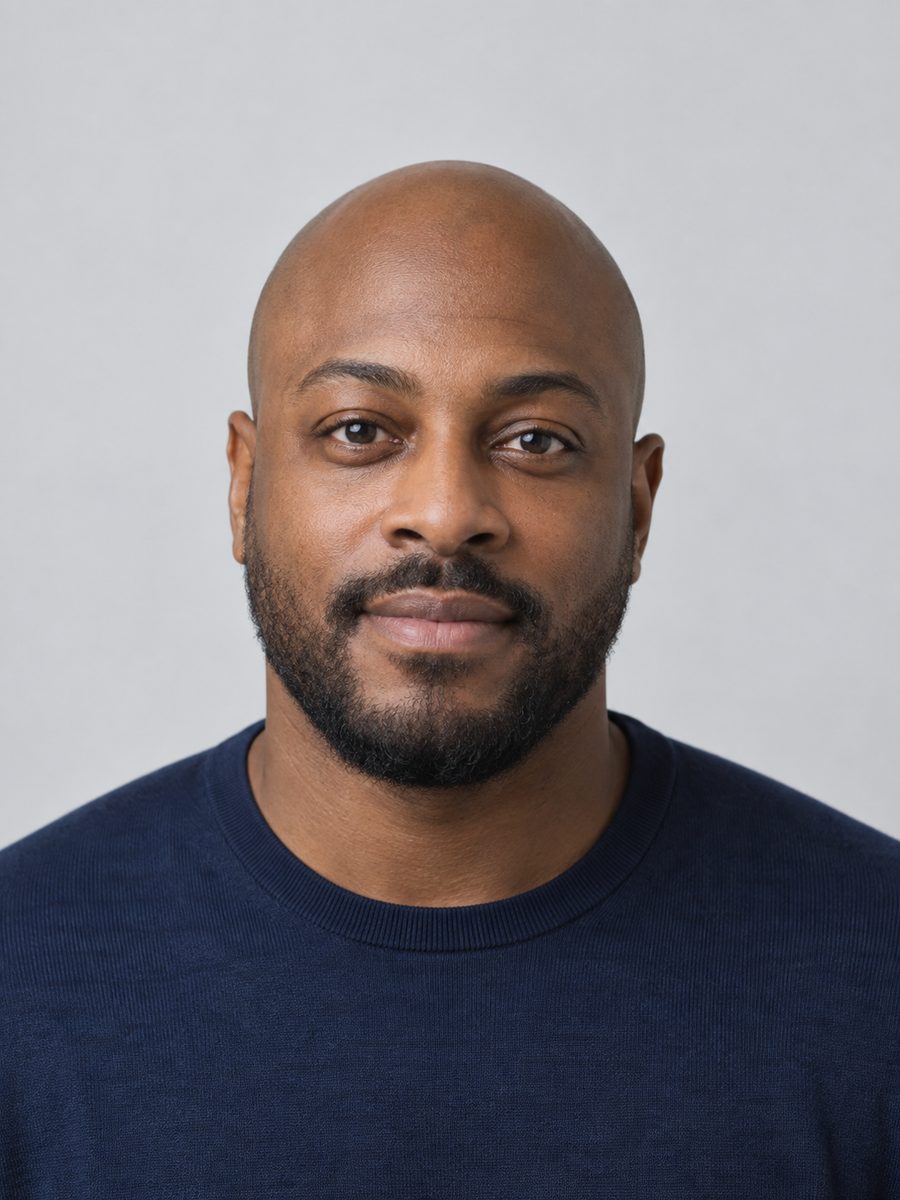 Photo 2 · Right
Use portraits with compatible crops
Choose two relaxed front-facing portraits instead of one dramatic profile and one close-up selfie. Keep hair, ears and the chin inside the frame. A couple photo can be cropped into separate references, but avoid a crop where the other person’s arm or face remains visible. Similar lighting makes the final pair look less mismatched.
Build the exchange around one shared detail
A short couple performance can celebrate how you met, a shared hobby or a gentle joke about who picks the music. Keep the joke affectionate and understandable without a long explanation. The template sets performance direction; it does not verify that a generated voice says an exact script or imitates your real voices.
Check comfort as well as likeness
Show the finished clip to your partner before publishing it. Look for unwanted expressions, awkward contact and changes to clothing as well as face accuracy. A technically smooth result can still feel wrong to the person represented. If either person dislikes the result, keep it private or discard it. Do not use another person’s photo to imply a relationship they have not agreed to portray.
Prepare and submit your references
Select the matching template below, then choose one image for each slot. The local form accepts JPEG, PNG or WebP up to 10 MB each and checks that the browser can decode them. Use photos you are allowed to process. If a validation message appears, replace only the affected image; the other selection stays available. Before live generation, verify the displayed service settings and cost. The current local build does not upload photos or create paid requests while generation is disabled.
Review the result before sharing
A successful job status is only the start of reviewing a performance. Play from the first frame to the end, check both identities during movement and listen with sound enabled. Confirm the file opens on your phone, and check the publishing platform’s current aspect ratio and AI disclosure options. Download only a completed file belonging to your account. A concept illustration or an external sample cannot establish the result of your request.
Performance direction
Two partners exchange playful confident lines, then share a relaxed final pose. Keep the interaction affectionate and natural.
Troubleshooting
Choose compatible head-and-shoulders crops rather than combining a close-up with a full-body shot.
Frequently asked questions
Can I try this without uploading my photos?
Yes. You can select templates and prepare photos locally. In this build, disabled generation retains your selection and makes no provider upload.
Does this include a famous song or a cloned voice?
No. Neither selecting a template nor generating a performance grants a music license or promises a voice clone. Use original or properly licensed audio.
What should I change if the result is wrong?
Choose compatible head-and-shoulders crops rather than combining a close-up with a full-body shot. Identify the failure before starting another request; a retry may have a separate cost once live generation is enabled.
Related guides
How to Make a Hotel Lobby AI Video
Read as Markdown