How to Make a Hotel Lobby AI Video
Start with two clear subject photos, select a performance template and check the final result for identity, motion and sound before sharing.
Watch the matching example
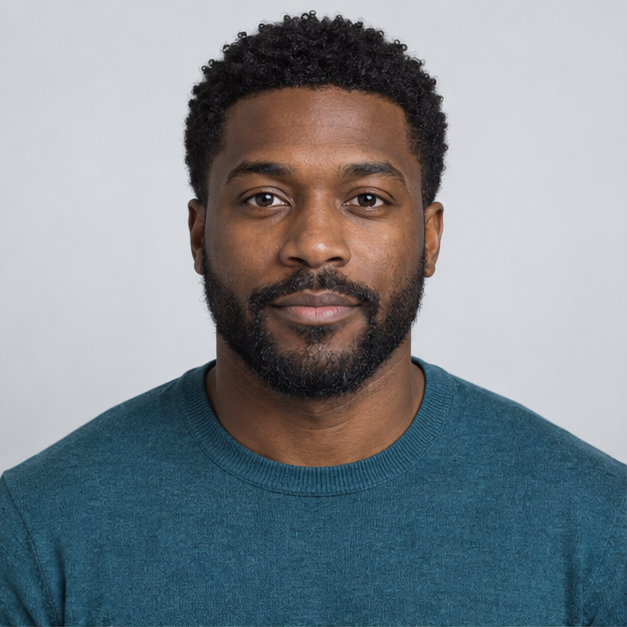 Photo 1 · Left
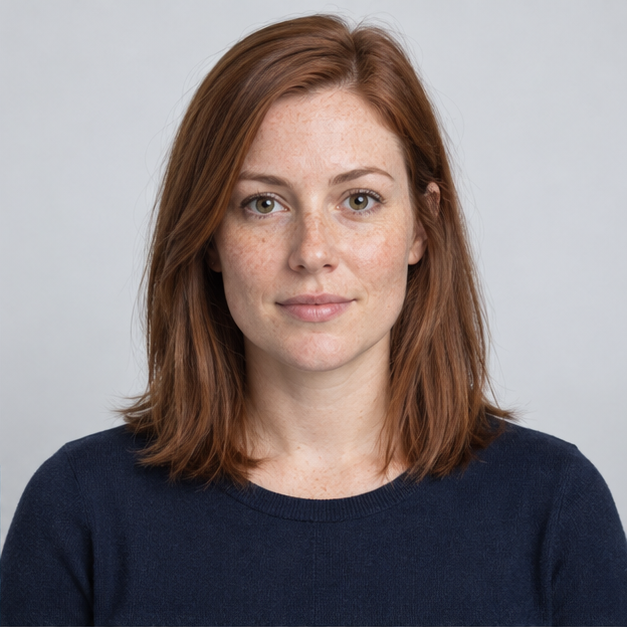 Photo 2 · Right
Choose a performance, not just a backdrop
A duo performance is a different task from a full music video. A short duet needs two stable identities and an understandable exchange at one microphone. A full music video needs multiple shots, editing and a soundtrack. Decide which output you need before uploading anything. This studio prepares a short reference-based duet; it does not promise a complete song, voice clone or edited music video.
Prepare one photo per performer
Give the left and right performers separate photos. A front-facing portrait with the head and shoulders visible is easier to interpret than a distant group picture. Match crop and camera height where possible. Avoid sunglasses, hands across the mouth and strong shadows. If you only have a group shot, crop each person into a separate image before starting.
Make a small test and judge it honestly
When the live service is enabled, review the displayed cost and settings before submitting. Watch the whole result once for faces, then again for hands and identity switches. Listen separately to the audio. Do not treat a moving mouth as proof that the words or timing match your chosen track. Save the actual completed output; a template concept image is not your generated result.
Prepare and submit your references
Select the matching template below, then choose one image for each slot. The local form accepts JPEG, PNG or WebP up to 10 MB each and checks that the browser can decode them. Use photos you are allowed to process. If a validation message appears, replace only the affected image; the other selection stays available. Before live generation, verify the displayed service settings and cost. Selecting a photo does not upload it. Sign in with a verified email and submit only after reviewing the displayed 20-credit generation cost.
Review the result before sharing
A successful job status is only the start of reviewing a performance. Play from the first frame to the end, check both identities during movement and listen with sound enabled. Confirm the file opens on your phone, and check the publishing platform’s current aspect ratio and AI disclosure options. Download only a completed file belonging to your account. A concept illustration or an external sample cannot establish the result of your request.
Performance direction
The left performer delivers a short original verse; the right performer reacts between lines. Keep their identities separate.
Troubleshooting
Use similar camera heights so neither performer appears much larger.
Frequently asked questions
Can I try this without uploading my photos?
Yes. You can select templates and prepare photos locally. In this build, disabled generation retains your selection and makes no provider upload.
Does this include a famous song or a cloned voice?
No. Neither selecting a template nor generating a performance grants a music license or promises a voice clone. Use original or properly licensed audio.
What should I change if the result is wrong?
Use similar camera heights so neither performer appears much larger. Identify the failure before starting another request; a retry may have a separate cost once live generation is enabled.
Related guides
Hotel Lobby AI with Two Separate Photos
Read as Markdown